
Keyless Entry System Review for Denver Properties
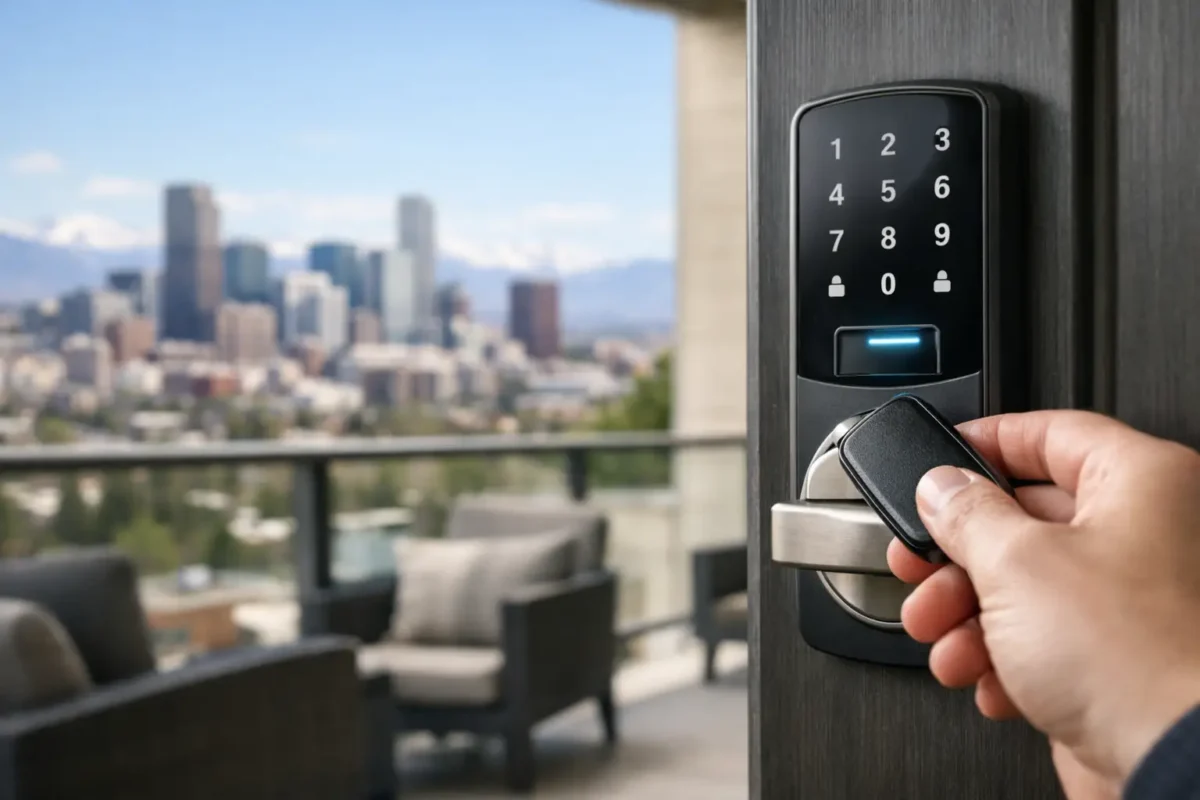
A keyless entry system review should answer one practical question first: will this lock make daily access easier without creating a new security headache? For many Denver-area homeowners, landlords, and small businesses, the answer is yes, provided the hardware fits the door, the people using it, and the level of control required.
Keyless systems replace or supplement a traditional metal key with a keypad code, phone app, key fob, card, or fingerprint. That convenience is real. So are the differences between a basic electronic keypad and a fully connected smart lock. Choosing based on the label alone can leave you with more features than you need, or not enough protection where it matters.
Keyless Entry System Review: What Matters Most
The best keyless entry system is not automatically the one with the most app controls. It is the one that secures the opening correctly, gives authorized people reliable access, and remains manageable when batteries run low, a phone is misplaced, or staffing changes.
Start with the door itself. A solid exterior door with a properly installed deadbolt gives a keyless lock the foundation it needs. A smart lock cannot compensate for a weak frame, a loose strike plate, or a deadbolt that does not fully enter the door jamb. For commercial doors, the hardware must also match the door type, traffic level, fire rating, and any ADA requirements.
Next, think about who needs access. A homeowner may only need a few personal codes and a physical backup key. A property manager may need temporary codes for residents, vendors, and maintenance teams. A business owner may need audit trails, scheduled access, and the ability to remove a former employee’s credentials immediately. Those are very different jobs, and they call for different systems.
Keypad deadbolts: simple and dependable
A keypad deadbolt is often the most practical starting point for a home, rental unit, garage entry, or small office. Users enter a code instead of carrying a key, and many models still accept a physical key for backup. Good keypad locks allow multiple codes, which means a homeowner can give a dog walker or house sitter a separate code and remove it later.
The trade-off is that basic keypad locks usually do not provide remote control or activity alerts. They are designed for straightforward access, not detailed management. For a household that wants fewer spare keys and less worry about lockouts, that may be exactly right.
Connected smart locks: more control, more setup
Wi-Fi, Bluetooth, or hub-connected locks add phone-based control. Depending on the model and setup, an owner can lock or unlock a door remotely, issue temporary codes, check whether the door is locked, and receive access notifications. This is useful for vacation properties, busy families, rental management, and business owners who cannot always be on site.
Connection method matters. Bluetooth locks can work well when a user is near the door, but remote access commonly requires a compatible hub or Wi-Fi bridge. Direct Wi-Fi locks offer more remote functionality, yet they may use batteries faster. Before buying, confirm whether the lock works with the phone platform, home system, or access-control setup you already use.
Connected features also require good account security. Use a unique password, turn on multi-factor authentication when available, and keep the lock’s app and firmware current. Remote convenience should not mean treating the account like an afterthought.
Fob, card, and commercial access systems
For offices, storefronts, storage areas, and multifamily properties, fobs and cards can be easier to manage than shared PIN codes. A credential can be assigned to one person, deactivated when it is lost, and often tracked by time and date. This is especially helpful when multiple employees use the same entrance throughout the day.
Larger commercial systems may combine keypad readers, card readers, electric strikes, magnetic locks, door closers, and access-control software. These systems need professional planning because the lock is only one piece of the door opening. Emergency egress, code compliance, power supply, and door alignment all affect whether the system is safe and reliable.
Security Features Worth Paying Attention To
A keyless system should improve control, not just add a digital screen to the door. Look for hardware from an established manufacturer, a deadbolt suited for exterior use, and a lock that fits the door’s thickness and backset. The bolt and strike installation matter just as much as the keypad or app.
Code management is another major factor. Avoid using easy-to-guess codes such as an address, birthday, or repeating numbers. Give each regular user their own code instead of sharing one household or office code. If a tenant moves out, a contractor finishes work, or an employee leaves, delete the individual credential right away.
Audit history can be valuable, but it is not necessary for every door. It makes sense for a business, rental property, or secondary home where the owner needs accountability. For a primary residence, a clean, reliable keypad may be more useful than a long list of notifications.
Auto-lock is a helpful feature for people who often leave in a rush, but it should be used thoughtfully. If someone regularly steps outside to take out trash, check the mail, or speak with a neighbor, a short auto-lock timer can cause an accidental lockout. Set the delay to match real routines, and make sure every authorized person knows how the lock operates.
Battery Backup and Physical Key Options
Battery questions come up with every keyless lock, and the concern is reasonable. Most systems run on standard replaceable batteries and provide low-battery warnings well before power is depleted. The exact warning method varies by model, so test it after installation rather than assuming an app alert will reach every user.
A physical key override is reassuring for many homes. It provides a simple fallback if batteries fail, an app has a problem, or a family member is not comfortable with technology. The downside is that a key cylinder remains a key cylinder: lost copies still need to be accounted for, and rekeying may be needed after a move or security concern.
Some keyless models use an external emergency power contact instead of a traditional keyway. A temporary battery can power the keypad long enough to enter the code. This can work well, but everyone who uses the door should understand the backup procedure before an emergency happens.
For commercial access control, backup power deserves more planning. Depending on the hardware and building needs, a power outage may require the door to fail secure or fail safe. That decision affects security and emergency exit behavior, so it should be made with the correct hardware and local code requirements in mind.
Installation Can Make or Break the System
Many residential keypad locks are designed for standard door preparations, but “fits most doors” does not guarantee a trouble-free installation. Misaligned holes, a warped door, a tight weatherstrip, or a strike plate that is already out of position can cause the motor to bind. That drains batteries and can prevent the deadbolt from locking fully.
Before installing, check that the existing deadbolt turns smoothly by hand and that the door closes without being pushed or lifted. The bolt should move freely into the strike opening. If it rubs against the frame, fix that alignment issue before adding electronic hardware.
Professional installation is especially useful for doors with nonstandard prep, new deadbolt drilling, reinforced strike plates, smart lock integration, and commercial access-control hardware. A locksmith can also explain the backup method, program user codes, and confirm that the lock latches and deadbolts correctly every time.
Who Should Choose Which System?
A basic keypad deadbolt suits homeowners who want key-free entry and a manageable backup option. It is also a strong choice for a rental where the owner needs to change access without collecting every old key.
A connected smart lock makes more sense when remote access, temporary codes, and activity alerts solve a real problem. Think of a family coordinating caregivers, a landlord managing turnover, or an owner who needs to let a service professional in while away.
For a business, card, fob, keypad, or app-based access control can reduce the risk and inconvenience of circulating metal keys. The right setup depends on the number of doors, employees, access schedules, and the need for records. A single office suite may need a simple coded lock, while a property with several restricted areas may need a managed access-control system.
The common mistake is buying too quickly after a lockout or break-in concern. Those events create urgency, but a few questions about the door, users, backup access, and future needs will lead to a better choice. If you need help sorting through those options, BS Locksmith can evaluate the door and install a keyless system that makes sense for your home or business.