
How to Reset a Keypad Door Code the Right Way
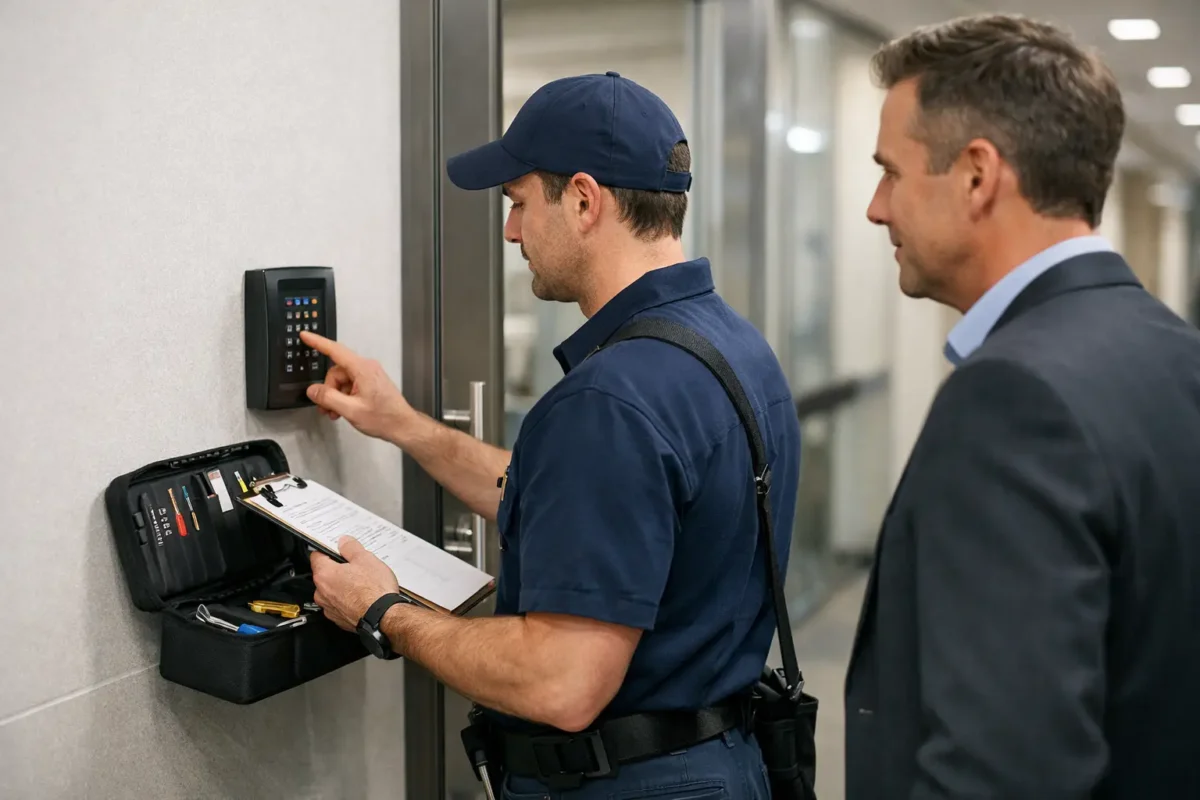
A keypad lock becomes a security problem the moment someone who should not have access still knows the code. When you need to reset keypad door code access after moving, losing a code, changing tenants, or replacing an employee, the goal is simple: remove old access without accidentally locking out the people who belong there.
The exact reset process depends on the lock’s brand, model, power source, and whether it is a standalone keypad, a smart lock, or part of a commercial access control system. That is why a careful approach matters. A factory reset can solve certain problems, but it can also erase user codes, schedules, connected devices, and other settings.
Know What You Need to Change First
Not every keypad issue calls for a full reset. If you still know the programming code or administrator code, you may only need to delete one old user code and add a new one. This is usually the best option after a contractor finishes a job, a renter moves out, or an employee leaves.
A full factory reset is more appropriate when the administrator code is unknown, the keypad is not responding correctly, the lock was purchased used, or you want to clear every saved user credential before setting it up again. On smart locks, a reset may also remove the lock from its app account and disconnect it from home automation features.
Before doing anything, identify the lock model. Check the inside portion of the lock, the battery cover, the original paperwork, or the manufacturer’s name on the keypad. Two locks that look almost identical can use completely different programming steps. Guessing button sequences can trigger a lockout mode, erase settings, or leave you with a door that will not latch correctly.
Before You Reset a Keypad Door Code
Start with the door open. This one step prevents a small programming mistake from turning into a lockout. Keep the physical key nearby if your lock has a keyway, and make sure you have fresh batteries available. Low batteries often cause failed programming, delayed keypad responses, and confusing error signals that look like a reset problem.
If the keypad serves a business, let the appropriate manager know before changes are made. Commercial doors may have multiple users, a master code, scheduled access, alarm integration, or a separate mechanical key system. Resetting one device without considering the entire setup can interrupt access for staff or create confusion at opening and closing time.
Check these details before changing anything:
- Confirm that you are authorized to manage the lock and have access to any required administrator credentials.
- Write down the lock brand and model number, along with any current codes that must remain active.
- Inspect the batteries, door alignment, latch, and strike plate for signs of wear or damage.
- Decide who needs a permanent code, a temporary code, or no keypad access at all.
It also helps to decide on the new code before you begin. Avoid birthdays, street numbers, unit numbers, repeated digits, and simple patterns such as 1234 or 2580. A longer code is generally safer when the lock supports it, but it still needs to be something authorized users can enter accurately.
How to Reset a Keypad Door Code Safely
The owner manual for your specific model should always control the process. In broad terms, most keypad locks follow a similar sequence: access the interior side of the lock, locate the programming or reset control, follow the manufacturer instructions while the door is open, then create a new administrator code before adding regular user codes.
Many residential electronic deadbolts place the reset button beneath the battery cover. Some require the batteries to be removed and reinstalled while holding a button. Others use a programming button on the inside assembly. Smart locks may require a reset from the keypad, the interior unit, or the mobile app before they can be enrolled again.
Do not assume a factory reset automatically makes the lock ready to use. After the reset, take time to complete the setup properly. Create a new administrator code that is not shared widely. Then add individual user codes as needed rather than giving everyone the same number. Separate codes make it easier to remove access later without forcing every user to learn a new code.
Once the new settings are in place, test the lock several times with the door open. Confirm that the code unlocks the deadbolt, the lock function works as intended, and the keypad locks when it should. Then close the door and test it again from both sides. Watch and listen for a bolt that rubs, binds, or fails to extend fully into the strike plate. Programming will not fix a mechanical alignment problem.
For smart locks, reconnect the device to its app only after the physical keypad and bolt are working correctly. Review any old guest codes, remote access permissions, auto-lock settings, and activity notifications. If the lock was connected to a previous owner’s account, make sure that connection has been removed before relying on it for home security.
Common Problems After a Reset
A keypad that will not accept the new code is often dealing with a setup step that was missed, not a defective lock. Some models require you to set the handing of the door – whether it swings left or right – after a factory reset. Others will reject codes that are too short, too long, or identical to the programming code.
If the keypad lights up but the deadbolt will not move, check the door alignment. Weather changes, loose hinges, or a shifted strike plate can place pressure on the bolt. With the door open, the deadbolt may operate normally. With the door closed, it may bind. Forcing the keypad or repeatedly entering codes will not solve that issue and can run down the batteries.
A completely unresponsive keypad may have weak batteries, battery corrosion, a disconnected wire inside the lock, or a failed electronic component. Replace batteries with the type recommended by the manufacturer and check that they are installed in the correct direction. If there is corrosion, physical damage, or a loose interior assembly, stop before taking the lock apart further.
Code Changes for Rentals and Businesses
For property managers, changing codes between tenants is a basic security step, but a reset is not always the best answer. If the lock supports separate user codes, remove the former tenant’s code, add the new tenant’s code, and confirm that any maintenance or emergency access is still controlled. Rekeying the mechanical cylinder may also be appropriate if physical keys have changed hands.
Businesses benefit from assigning codes by person or role instead of using one shared entry number. A shared code is easy to pass along and hard to control after staffing changes. Individual codes create better accountability and make removals simpler. For doors with frequent employee turnover, multiple entry points, or sensitive areas, an access control system may be a better long-term fit than a basic keypad lock.
When a Locksmith Is the Better Call
Call a locksmith when you cannot identify the lock model, do not have authorization codes, suspect damage, or need the lock reset without risking a lockout. Professional help is also useful when a keypad lock is attached to a commercial door, panic hardware, an access control system, or a high-security deadbolt.
A mobile locksmith can inspect both the electronic and mechanical sides of the door. That matters because a new code is only useful when the lock, latch, strike plate, and door frame all work together. If the keypad has failed completely, the right solution may be repair, reprogramming, rekeying, or replacement depending on the condition of the hardware.
For homeowners, property managers, and businesses in Aurora, Federal Heights, Denver, and nearby areas, BS Locksmith can help with keypad lock service, smart lock setup, rekeying, and emergency lock concerns. Keep your new administrator code in a secure place, limit who receives it, and review access whenever the people around your property change.