
A Small Office Access Control Example That Works
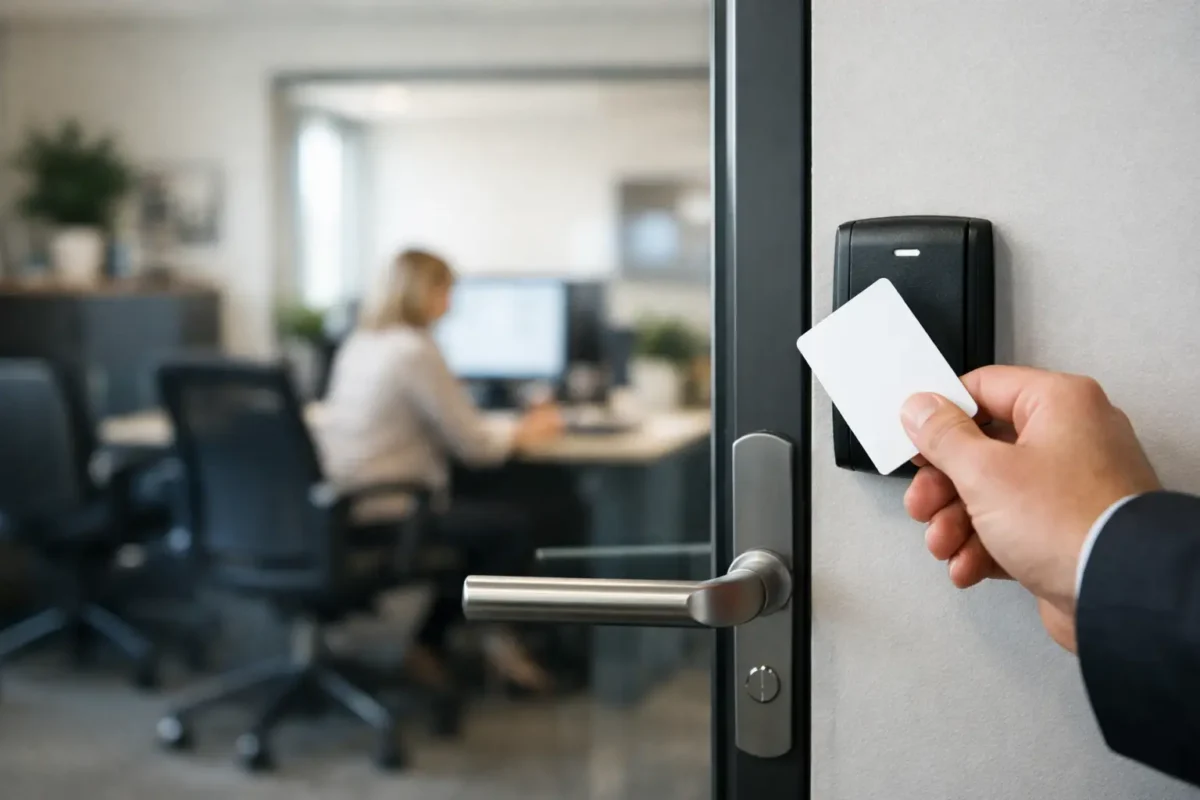
A key ring passed between employees can become a security problem fast. Someone leaves, a key goes missing, or no one knows who last had access to the supply room. A small office access control example shows how a modest business can replace that uncertainty with clear, manageable entry rules without turning the office into a complicated security project.
For many offices, access control does not mean installing readers on every door. It means identifying the doors that matter most, choosing hardware that fits the building, and giving the right people access at the right times. The goal is practical security: staff can get to work, managers can control sensitive areas, and the business is not left rekeying the entire office every time a key disappears.
A Small Office Access Control Example for 10 Employees
Picture a small Denver-area accounting office with 10 employees. It occupies a suite in a shared commercial building and has one main office entrance, a rear staff entrance, a records room, an IT closet, and two restrooms. The office handles client documents, computers, checks, and employee information, so not every space should be open to every person.
A sensible access control layout could place keypad or credential readers at the main office entrance and rear staff entrance. Every employee receives an individual credential, such as a key fob, card, mobile credential, or assigned PIN. The office manager and owner can add or remove access without collecting and copying physical keys.
The records room and IT closet receive a higher level of restriction. Only the owner, office manager, and the employees who need those spaces for their work are authorized. That creates a basic but useful record of entry activity and prevents an all-access key from circulating through the office.
The restrooms usually do not need electronic access control unless they open directly to a public hallway or present a specific property-management requirement. Keeping lower-risk doors mechanical helps control costs and keeps the system focused on the places where it provides the most value.
What This Setup Solves
The immediate benefit is control over employee access. When a new hire starts, the manager can issue one credential rather than arrange for keys to be copied. When an employee leaves, their credential can be removed from the system. That is a cleaner response than wondering whether every office key was returned.
Access schedules are another advantage. In this example, staff may have access to the main and rear doors from early morning through the evening, while records room access is limited to normal operating hours. Managers can retain broader access for opening, closing, or after-hours work.
This setup also reduces the common problem of doors being left unlocked for convenience. Employees no longer need to prop a door open because someone is arriving late or because the person with the only key is out of the office. Authorized users can enter with their own credential, and doors can lock automatically after each entry.
Electronic access should not be treated as a replacement for physical security. The doors, frames, hinges, closers, and locks still need to be in good condition. A reader on a weak door does not make that door secure. A professional installation starts by checking the existing hardware and confirming that the door can close, latch, and lock correctly.
Choosing Credentials That Fit the Office
There is no single best credential for every small business. Key fobs and cards are simple for staff to understand and work well for offices that want familiar, physical credentials. They are also easy to deactivate if one is lost.
PIN pads can be a practical choice when employees do not want to carry another item. The trade-off is that codes can be shared, forgotten, or seen by someone standing nearby. Individual PINs are far better than one office-wide code because the manager can remove one user without changing access for everyone.
Mobile credentials allow an employee to use a smartphone as their key. This can be convenient for teams that already use phones for work and want fewer cards or fobs to manage. It depends on the system, staff preferences, and the building’s connectivity needs. Some offices prefer physical credentials as a backup, especially for employees who do not use a company phone.
For the example office, a combination may work best: fobs for all employees, with an assigned PIN for the office manager and owner as a backup. The exact choice should be based on who uses the doors, how frequently they enter, and how the office wants to handle lost credentials.
Do Not Forget the Exit Side of the Door
Access control is about safe entry and safe exit. Employees must be able to leave quickly without a fob, card, code, or special knowledge. Depending on the door and local building requirements, the inside may use a lever, push-to-exit device, request-to-exit sensor, or panic hardware.
This is one reason commercial access control should be planned around the existing door rather than purchased as a one-size-fits-all kit. Fire and life-safety requirements, ADA considerations, door handing, and the type of lock already installed all affect the right solution. A proper evaluation prevents a new system from creating a daily inconvenience or an unsafe exit condition.
For a main entry door in a shared building, the office may also need to coordinate with the property manager. The building could control exterior access while the tenant controls its suite doors. Clarifying who is responsible for each door avoids conflicting hardware and makes future service easier.
A Sensible Access Plan Before Installation
Before choosing equipment, the business owner should answer a few practical questions. Which doors lead to sensitive information or valuable equipment? Who genuinely needs access to each area? Are there employees, cleaners, vendors, or contractors who need limited access? Does anyone routinely work early, late, or on weekends?
The answers create an access map. In the accounting office example, all regular employees need the two office entrances. Only selected staff need the records room and IT closet. A cleaning crew might receive access only to the main office area on scheduled evenings, not to the restricted rooms.
It also helps to decide who will administer the system. In a small office, that is often the owner and one trusted manager. Avoid giving system administration rights to every employee. The person responsible should know how to add a user, remove a user, review basic activity, and respond when a credential is lost.
Keep a simple written process for employee changes. When someone joins, issue an individual credential and assign only the permissions their role requires. When someone leaves, remove their access promptly and collect any physical credential. This process is just as valuable as the hardware itself.
When a Simple System Is Enough and When It Is Not
A two-door system can be enough for an office with one entry point and a single restricted storage area. It keeps the project focused and can be expanded later if needs change. Starting with the busiest or most sensitive doors is often smarter than adding technology to doors that do not need it.
A larger setup may be worthwhile if the office has multiple suites, several shifts, frequent visitors, high-value inventory, or stricter compliance requirements. In those cases, the business may need more detailed reporting, visitor controls, intercom capability, or integration with cameras and alarms.
For most small offices, the best system is the one staff will use correctly every day. Complicated rules and inconvenient hardware often lead to workarounds, such as shared codes or propped-open doors. A clear setup with individual credentials, limited access areas, and dependable commercial hardware usually delivers better results.
Get the Door Hardware and System Working Together
Access control is not only a software decision. The lock type, electric strike or other locking hardware, door closer, latch, power source, and exit hardware must operate as one system. When one part is mismatched, the result can be a door that fails to latch, does not release correctly, or frustrates employees throughout the day.
A commercial locksmith can assess the doors on site, recommend practical hardware, and install the system around how the office actually operates. For businesses in Aurora, Federal Heights, Denver, and nearby communities, BS Locksmith can help plan and install access control that fits the office rather than overcomplicating it.
Start with the doors that protect your people, records, equipment, and daily operations. A well-planned small system gives you control where it counts while keeping the workday simple for everyone who needs to get through the door.