
Keyless Security Trends That Matter in 2026
A lost house key used to mean one clear decision: rekey the locks or replace them. Keyless security trends have changed that decision. Homeowners can now issue a temporary code, business owners can remove an employee’s credential without collecting a key, and drivers can use programmed fobs or digital access features. The convenience is real, but the best setup is not always the newest device on the shelf.
For homes and businesses in the Denver Metro area, a practical keyless system needs to do more than look modern. It needs to work when a phone battery dies, when temperatures drop, when staff changes, and when someone needs access right away. Here is what is changing, where keyless access makes sense, and what should still be handled carefully.
Keyless Security Trends Are Moving Beyond Convenience
The biggest shift is that keyless entry is no longer only about avoiding a key ring. It is becoming a way to control who can enter, when they can enter, and what happens after they leave. That makes it useful for families, rental properties, small offices, service businesses, and property managers.
Smart deadbolts with keypad entry remain one of the most common upgrades. A homeowner can use a personal code instead of a metal key and create separate codes for relatives, house cleaners, dog walkers, or short-term guests. When access is no longer needed, the code can be removed instead of waiting for a spare key to be returned.
Commercial access control takes this a step further. Rather than issuing the same physical key to several employees, a business can assign individual cards, fobs, PINs, or mobile credentials. If a credential is lost or an employee leaves, the business can disable that one credential while keeping the door hardware in place. For businesses with multiple staff members, that can be far easier to manage than repeated rekeying.
This does not mean physical keys are disappearing. The most dependable keyless locks still provide a mechanical key override or another planned backup method. Technology adds options. It should not leave you stranded when something unexpected happens.
Mobile Credentials Are Becoming More Common
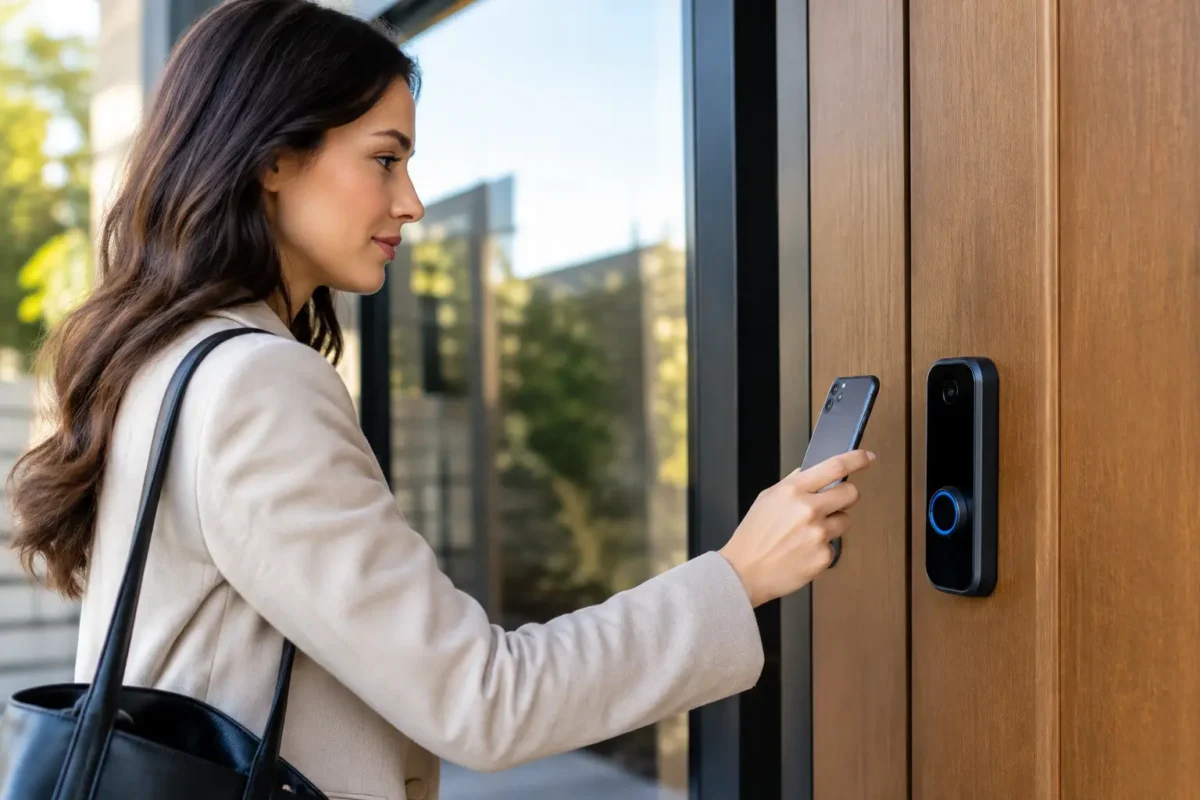
Many access systems now allow a smartphone to function as a credential. The phone communicates with the lock or reader through Bluetooth, near-field communication, or another approved method. This is especially useful for businesses that want to reduce the number of cards and fobs in circulation.
For a small office, mobile access can simplify administration. A manager can add access for a new employee, limit access to certain hours, or remove access after a role change. Some systems also create an activity record showing which credential was used at a door. That record can be helpful when reviewing access questions, although it should never replace sensible supervision and clear workplace policies.
The trade-off is simple: phone-based access depends on a phone. A dead battery, a damaged device, an app problem, or a lost phone can become an access problem. Employees should know the backup procedure before it becomes an urgent situation. Depending on the building and the level of security needed, that may mean a backup fob, a keypad code, or managed key access.
For homeowners, mobile control can be helpful but is not always necessary. If a keypad lock with a key override solves the problem, adding remote app features may only create more settings to manage. Choose the level of technology that fits how the household actually comes and goes.
Temporary Codes Are Replacing Spare Keys
One of the most useful keyless trends is the temporary access code. Instead of hiding a spare key under a mat, homeowners can provide a code that works only during certain days or hours. Property managers can give a contractor access to a unit without handing over a master key. Business owners can limit a vendor’s entry to a scheduled service window.
Temporary codes should be treated like a key, not like casual information. Do not reuse the same guest code for everyone. Delete it when the job or visit is over. If a lock allows scheduled codes, review the schedule occasionally rather than assuming old access will disappear on its own.
Smart Locks Need a Real Backup Plan
A smart lock is only as useful as its day-to-day reliability. Battery-powered locks are common, and most provide low-battery warnings well before power runs out. Still, those warnings are easy to ignore. Make battery checks part of normal home or property maintenance, especially before travel or seasonal weather changes.
A good installation also considers the door itself. A lock can have advanced features and still perform poorly if the deadbolt does not align with the strike plate, the door is warped, or the hardware is loose. The lock should extend fully without forcing the door. This matters with traditional locks, keypads, and electronic deadbolts alike.
Power outages are another point of confusion. Many battery-operated keypad locks can still operate locally during an outage because the lock does not need home Wi-Fi to read a code. Remote notifications and app control may be unavailable, however. The exact behavior depends on the model, which is why it is worth understanding the lock’s local operation and emergency access options before installation.
For a primary exterior door, a key override is often a sensible choice. Some households prefer a backup lockbox or a trusted local contact with a physical key. The right option depends on the property, but hoping a phone, app, and batteries all work perfectly is not a backup plan.
Security Settings Matter More Than Fancy Features
The weak point in keyless access is often not the lock hardware. It is how the system is configured. A keypad code that is easy to guess, a reused app password, or an account left active after a move can undo the benefits of a quality lock.
Start with unique PINs. Avoid birthdays, addresses, and repeating number patterns. Change default administrator codes during setup. If the app offers multi-factor authentication, turn it on. Use a unique, strong password for the account controlling the lock or access system, particularly if it can be managed remotely.
Firmware updates deserve attention too. They may correct operational issues or address security concerns. Before buying a connected lock, check whether the manufacturer supports updates and whether the device will still operate safely if internet service is interrupted. Connected features are useful, but dependable local entry is more important.
For commercial properties, access should follow job responsibilities. Not every employee needs every door, and not every door needs the same schedule. A front entrance, supply room, office, and restricted storage area may need different permissions. Good access control is not about making entry difficult for everyone. It is about making the right access easy to manage.
Biometrics and Facial Recognition Need Careful Use
Fingerprint readers and facial recognition are showing up in more security products, but they are not automatically the best choice for every property. Biometrics can be convenient because there is no code to remember or fob to carry. They can also be less reliable in real-world conditions such as dirty hands, gloves, changing light, or high-traffic entrances.
There are privacy considerations as well. A fingerprint or facial template is more personal than a PIN. For many homes and small businesses, a well-installed keypad or credential-based system offers a simpler balance of convenience, cost, and privacy.
Use biometrics when they solve a specific access problem and the product has a dependable backup method. Do not choose them just because they sound more advanced.
Vehicles Are Going More Keyless Too
Automotive access has been moving toward proximity fobs, transponder keys, push-button start systems, and, in some newer vehicles, phone-based digital keys. These systems make daily driving easier, but replacement is more involved than cutting a traditional metal key.
A vehicle key or fob often must be programmed to communicate correctly with the car. A fob that looks similar may not work with the vehicle’s system, and an improperly programmed key can leave a driver locked out or unable to start the car. If a car key is lost, damaged, or intermittently working, addressing it early is usually easier than waiting until the vehicle will not start.
Keep a working backup key or fob when possible. If a fob battery begins to weaken, replace it before it becomes a roadside problem. Owners should also know where the vehicle’s emergency key blade is located and how the manufacturer’s backup start procedure works.
Choose the System That Fits the Door and the People Using It
Keyless access is not one-size-fits-all. A homeowner who wants to stop carrying keys may need a dependable keypad deadbolt with a mechanical override. A rental owner may benefit most from temporary codes and easy credential removal. A small business may need access control with individual user permissions and properly installed commercial hardware.
Before installing anything, think through who needs access, how often access changes, whether remote control is truly useful, and what happens if the power, internet, phone, or batteries fail. The answers matter more than a long feature list.
A professional installation can also prevent common problems with fit, alignment, door preparation, and access setup. For homeowners, drivers, and businesses that need practical help with locks, keys, fobs, or access control, BS Locksmith can help make the move to keyless security work the way it should: reliably, clearly, and with a backup plan in place.