
How to Choose Smart Locks for Your Home Security
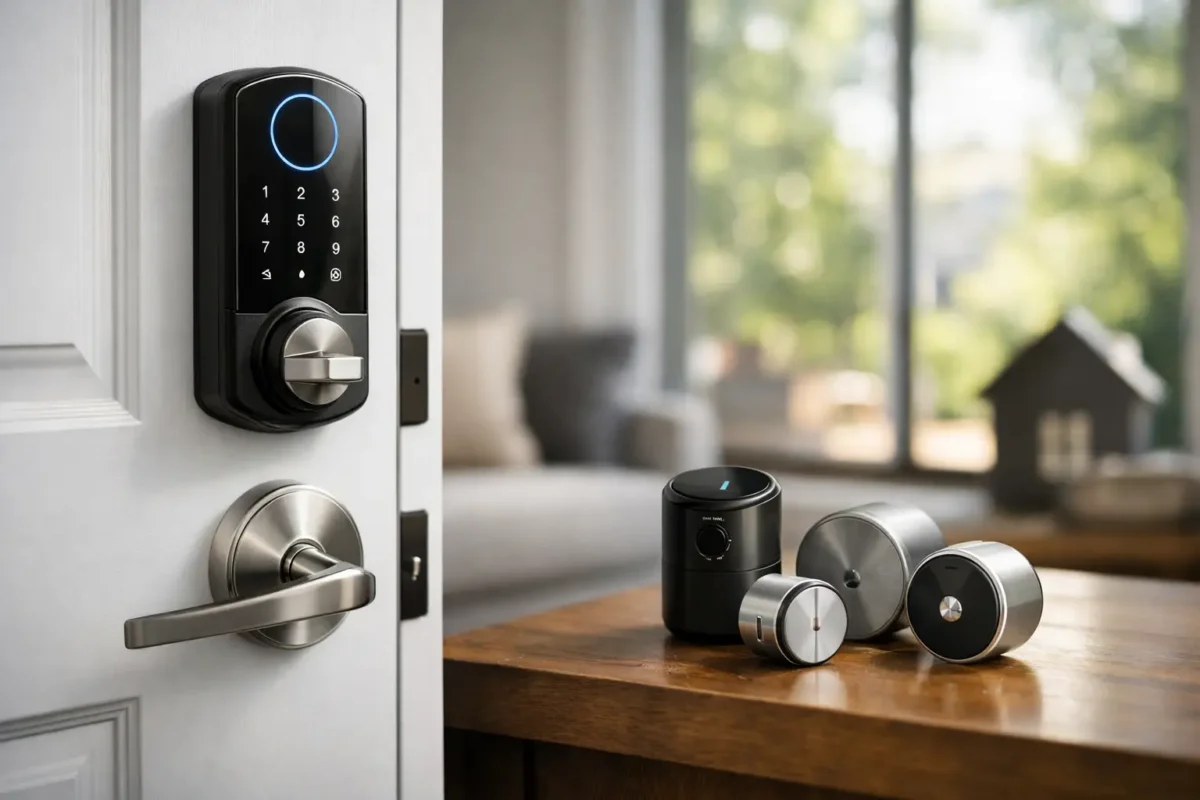
A smart lock can save you from hiding a spare key under a planter, but the wrong one can create daily frustration at the front door. Learning how to choose smart locks starts with your real routine: who needs access, what kind of door you have, and how much control you want when you are away from home.
For a Denver-area homeowner dealing with kids, contractors, guests, or a rental property, convenience matters. So does having a lock that still works properly during cold weather, dead batteries, or a Wi-Fi outage. The best choice is not always the model with the longest feature list. It is the one that fits your door and solves a specific security or access problem reliably.
Start With Your Door, Not the App
Before comparing keypad styles or phone controls, inspect the door and the lock already installed. Most residential smart locks replace a standard single-cylinder deadbolt, but dimensions still matter. Check the door thickness, the bore hole size, the backset, and the distance between an existing deadbolt and handle.
A smart lock should work with the door instead of fighting it. If the bolt drags, the strike plate is misaligned, or the door needs to be pushed hard before it will latch, fix that mechanical issue first. A motorized deadbolt cannot compensate for a warped door frame or worn hardware forever. It may lock inconsistently, drain batteries faster, or leave you unsure whether the door secured.
Some smart locks replace only the inside thumbturn and keep the exterior keyed cylinder. Others replace the full deadbolt, including the keypad or keyway outside. A retrofit option can make sense if you want to preserve an existing exterior finish or key cylinder. A full replacement is usually better when the old deadbolt is worn, you want keypad access, or you are changing keys after a move.
Decide Whether You Need a Key Backup
Keyless entry is convenient, but it does not mean every household should remove the physical key entirely. A keyway gives you a familiar backup if batteries run down, a phone is lost, or a guest is not comfortable using an app. It also may be useful when multiple exterior doors are keyed alike.
On the other hand, a keypad-only lock reduces the chance of a key being copied or left with a former tenant, dog walker, or contractor. Many keypad locks also have emergency power contacts outside the door. A temporary battery connection can provide enough power to enter a code and get inside, even if the installed batteries are dead.
The right answer depends on your household. If you choose a keyed smart lock, consider rekeying it when you move in or after keys have changed hands. If you choose keyless, make sure everyone who needs entry understands the backup plan.
How to Choose Smart Locks by Access Needs
Think about the people who enter your property in a normal month, not just the people who live there. A household with two adults and one exterior door may be fine with a simple keypad. A busy family, short-term rental owner, or small office may need individual codes, schedules, activity logs, and remote management.
Most smart locks offer several ways to enter: a keypad code, a physical key, a phone app, Bluetooth proximity, a fingerprint reader, or a connected home platform. More options can be helpful, but they also mean more setup and more chances for confusion. Choose the methods your household will actually use.
Unique codes are one of the strongest practical reasons to install a smart lock. Instead of handing out copies of a house key, you can assign codes to family members and create temporary access for a cleaner, pet sitter, delivery service, or maintenance worker. When the job ends, delete the code rather than wondering whether a key is still out there.
For rental homes and small businesses, look for code scheduling. This lets you set access for certain dates or hours rather than relying on someone to remember to change a code later. Make sure the lock can support enough user codes for your needs. A lock designed for a single household may not be the best fit for a property manager handling several occupants and service providers.
Choose the Connection You Will Really Use
Smart locks commonly connect through Bluetooth, Wi-Fi, a separate hub, or a home automation standard such as Z-Wave, Zigbee, Matter, or Thread. Each has a trade-off.
Bluetooth is simple and typically uses less battery power. It works well when you are standing near the door, but it may not give you remote control from work or while traveling unless it connects through a bridge or compatible home hub. Wi-Fi models usually allow direct remote access and alerts through an app, though they can use batteries more quickly.
Hub-based locks are a good option if you already use a compatible security or automation system. They can be dependable and may help devices work together, but they add another piece of equipment that needs setup. Matter and Thread support can be useful for homeowners building a mixed-brand smart home, but compatibility is not automatic. Check that the lock works with the specific phone platform, voice assistant, alarm system, or hub you already own.
Do not buy a lock just because it says it works with a popular platform. Confirm which features carry over. Some integrations may let you lock or unlock the door but not manage codes, view activity, or receive all notifications.
Remote Control Is Useful, but Not Required
Remote access is valuable when you need to let someone in while you are away, verify that a door was locked, or receive an alert after a child gets home. It is less essential if you simply want to stop carrying keys during neighborhood walks.
If remote control is a priority, secure your home Wi-Fi with a strong, unique password and keep the lock app updated. Use two-factor authentication if the manufacturer offers it. Smart lock security is partly about the deadbolt and partly about the account controlling it.
Look Beyond the “Smart” Features
A smart lock is still a lock. Check for a solid deadbolt, a properly installed strike plate, and hardware that is appropriate for an exterior door. Grade ratings can help you compare physical durability. ANSI/BHMA Grade 1 is generally the highest residential standard, while Grade 2 is common for residential use. The rating is useful, but proper installation matters just as much.
Pay attention to auto-lock settings. This feature is helpful for people who regularly leave in a hurry, but an aggressive timer can be inconvenient when you are carrying groceries, taking out trash, or moving items in and out. Choose a lock that lets you adjust the timing or turn the feature off.
Door position sensing is another feature worth considering. A basic lock can report that its bolt extended, but that does not always mean the door was fully closed. A door sensor or built-in sensing feature can give more useful information by distinguishing between a locked door and an open door.
Privacy also deserves a quick review. Activity histories and remote alerts can be useful, especially for a business or rental property. Consider who will have administrator access, what information the app records, and whether you are comfortable with that data being stored through the manufacturer’s service.
Plan for Batteries, Weather, and Everyday Use
Most smart locks run on standard batteries, often AA batteries. Battery life varies based on the lock’s connection type, the condition of the door, local temperatures, and how often it operates. Use quality batteries, watch for low-battery alerts, and replace them before they fail. Keeping an emergency battery source available is a sensible backup for keypad-only models.
Colorado weather also makes door condition worth checking. Temperature swings can affect wood doors, weatherstripping, and alignment. A lock that operated smoothly in mild weather may struggle if the bolt starts rubbing against the strike. This is not a problem to ignore or solve by forcing the motor to work harder.
Consider the users who may find a touchscreen difficult to see at night or a small keypad hard to operate with gloves. Raised buttons, a bright keypad, a straightforward manual thumbturn, and clear app controls can matter more than flashy extras.
Know When Professional Installation Helps
Many smart locks are designed for homeowner installation, especially when replacing a standard deadbolt. Still, professional installation is a practical choice when the door is misaligned, the hardware does not match standard measurements, you want the new lock rekeyed, or you are installing several locks for a rental or business.
A locksmith can check the door, adjust the strike area, confirm the deadbolt extends correctly, and make sure the lock is configured before you depend on it. For commercial doors, access control, panic hardware, and code requirements can make professional guidance especially valuable. BS Locksmith can help homeowners and business owners select and install hardware that matches the door and the way the property is used.
Before buying, write down the access methods you need, the systems you already use, and whether a key backup matters to you. That short checklist will keep the decision focused. A smart lock should make entry easier and security easier to manage, not give you another device to troubleshoot at the door.